
Maotao OZON
Help Center
From installation to listing — master AI collection, translation, image generation, auto pricing, and one-click publishing in 5 minutes.
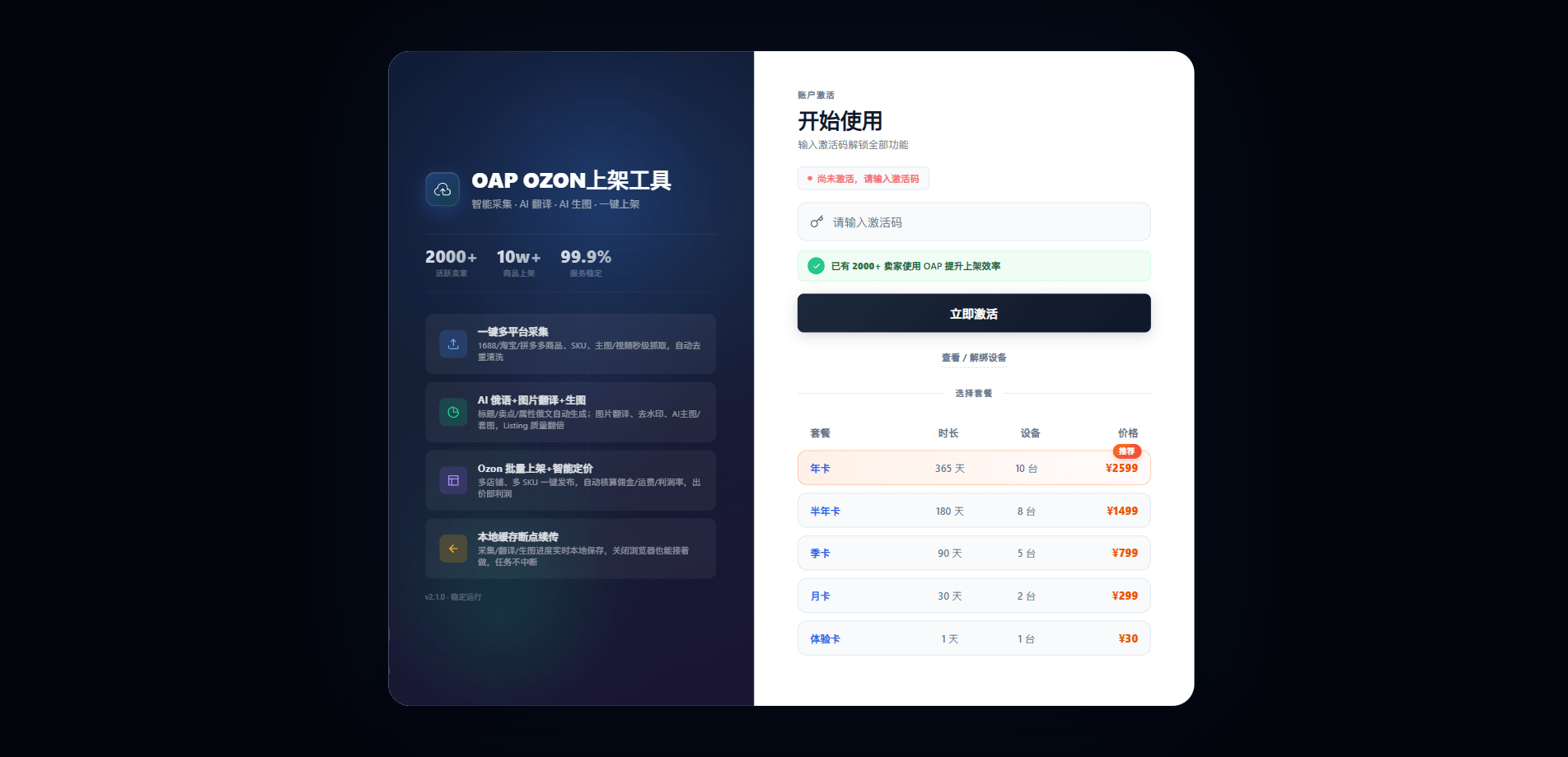
Core Features
Covering the full Ozon listing workflow for efficient multi-store operations
Multi-Platform Collection
Supports 1688, Taobao, Tmall, and Pinduoduo: auto-collect SKU, images, and videos.
AI Translation & Images
Auto-translate titles, descriptions, and attributes into Russian; translate images, remove watermarks, and generate AI main/suite images.
Smart Pricing & Upload
Automatically calculate commission, shipping, and margin; one-click publish to multiple Ozon stores.
Inventory Management
View ready-to-sell products and batch update stock levels per store independently.
5-Minute Quick Start
Follow these steps to publish your first product quickly
Install & Activate
Load the plugin into Chrome or Edge and enter your activation code.
Installation GuideBind Store & API
Bind your Ozon store, configure Alibaba Cloud API, and optionally set up image generation API.
Configuration GuideSelect Category & SKU
Open the plugin on a Chinese product page, select the Ozon category, and choose SKUs.
Listing GuideAI Fill & Publish
Run AI auto-fill, process images, confirm pricing, and upload to Ozon.
Listing GuideManage Inventory & Account
After publishing, batch manage stock or unbind devices in account management.
Management GuideBefore You Start
This plugin only works on Chinese product detail pages (1688, Taobao, Tmall, Pinduoduo). It will not appear on ozon.ru or seller.ozon.ru.
Ready to get started?
Download the latest plugin from below and follow the installation guide to activate.
Download Plugin